Rescue WordPress — Fix a Broken Website
Broken WordPress?
Let’s get it working.
A critical error, a blank page, or a plugin conflict can bring your website to a halt. Get practical help finding the cause, planning a safe repair, and checking that the important parts work again.
Direct developer contact · Clear scope before work begins
DIAGNOSE · REPAIR · TEST
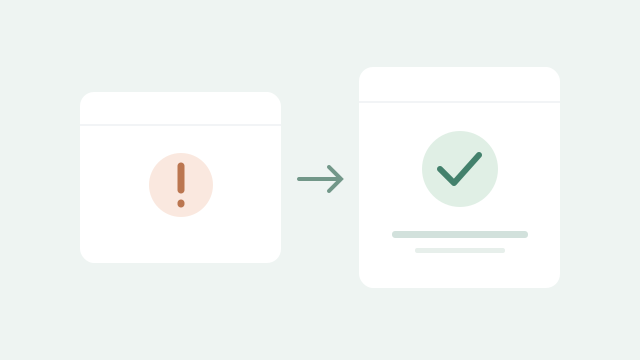

Critical errors
Plugin conflicts
Failed updates
ECTIVEPRO / INDEPENDENT BY DESIGN
THE RIGHT STARTING POINT
Fix the cause, not just the visible symptom.
WordPress problems can involve plugins, themes, PHP compatibility, database issues, or hosting changes. The first step is understanding what changed and what can be recovered, so the repair can be made with the right precautions.
IS THIS FOR YOU?
For business owners facing a broken front end, inaccessible admin area, update failures, layout problems, or key features that have stopped working.
WHAT WE CAN COVER
A clear scope.
Useful deliverables.
01
A focused diagnosis
Review the symptoms, recent changes, available logs, and the affected parts of the website.
02
Backup & recovery planning
Check available backups and access before changes. Discuss limitations when a usable backup is unavailable.
03
The agreed repair
Address the identified issue, which may involve compatibility changes, configuration, plugin fixes, or restoring working files.
04
Verification & prevention
Test the affected pages and important journeys, explain what was fixed, and outline practical next steps.
The proposal confirms exactly what is included, the dependencies, and the responsibilities on each side.
HOW IT WORKS
From the first question
to a clear next step.
01
Understand the issue
Share the website address, exact error, when it started, and what changed before the problem appeared.
02
Agree the repair
Review the likely cause, access requirements, backup position, and the work needed before proceeding.
03
Repair & check
Make the agreed changes and test the affected functionality, then explain how to reduce the chance of recurrence.
One point of contact.
Personal accountability.
EctivePro is an independent, developer-led business. You work directly with the person planning and building your project.
If specialist help would benefit the work, it is discussed with you first. Scope, communication, and responsibility stay clear.
BEFORE WE START
Good questions.
Straight answers.
Can you help if I cannot access wp-admin?
Yes, investigation may still be possible through hosting access, logs, or backups. The access needed depends on the error and is agreed after the initial review.
Can you promise an immediate fix?
No repair time can be guaranteed before diagnosis. Share the business impact and any deadline so availability and the next practical step can be discussed.
What if there is no recent backup?
The recovery options and risks are reviewed first. Recovery is not always possible, and changes should not proceed on assumptions about what can be restored.
Do you also maintain the website afterwards?
Yes. After the immediate issue is resolved, tested updates, backups, and ongoing maintenance can be scoped separately.
LET’S TALK ABOUT YOUR PROJECT
Describe your WordPress issue.
Send the public website address, the error message or screenshot, and the last change you remember. Mention whether you can access WordPress admin and whether backups exist. Do not put passwords or hosting credentials in the contact form; access can be arranged securely afterwards.
YOU MAY ALSO NEED